- HOME
- Entrepreneurship
- The questions to ask before buying a CRM—from the people who sell one
The questions to ask before buying a CRM—from the people who sell one
- Published : July 7, 2026
- Last Updated : July 14, 2026
- 147 Views
- 7 Min Read

Most CRM buying guides list the same generic questions. We wanted the real ones, so we surveyed our own sales reps, most of whom have for years been involved in conversations like these—conversations about what buyers ask before choosing a CRM, what makes them hesitate, and what they wish more people checked before committing. Their answers shaped everything below, including a pattern worth knowing before you read on: The question that stalls the most deals is one almost no buyer says out loud.
Why do you need a CRM?
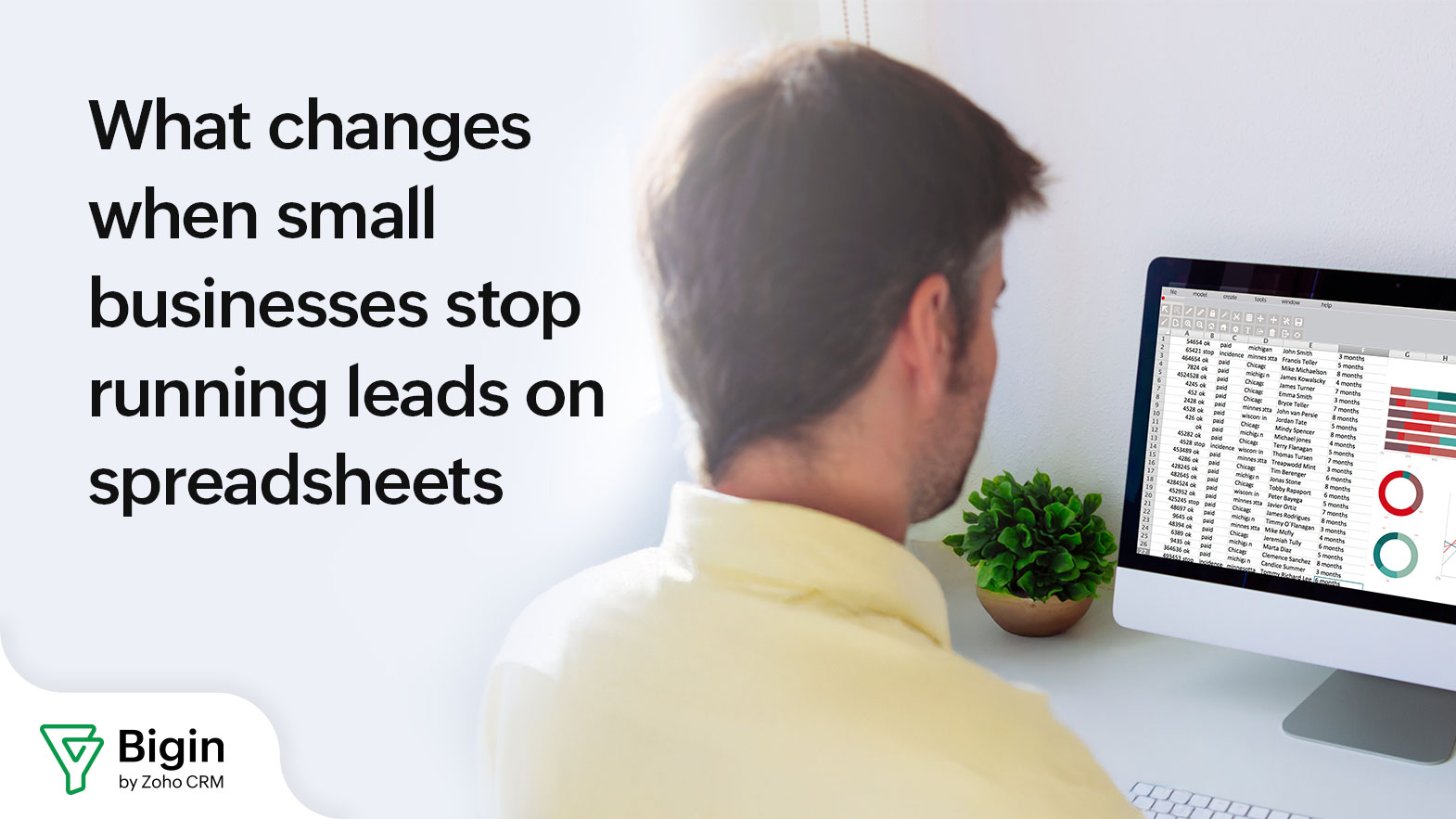
Before we move on to the questions to ask a vendor, let's understand why you need a CRM in the first place. You see, at some point, your current setup starts losing you information—and for most small businesses, that moment arrives with spreadsheets. Take, for example, AdGreen, a UK sustainability organization that helps advertising and film production teams measure their carbon footprints, ran a lean team of four and kept its contacts by hand across several tools and spreadsheets; when a manager asked something as basic as how many active users they had, the answer was a week's wait while someone pulled the sheet.
Another of our customers, Eden Ridge, a real estate company in Kenya, hit the wall from another direction: as staff changed, the job of updating the spreadsheets passed from person to person, the data drifted, and follow-ups went out late or to the wrong contact, so real deals slipped.
The signal isn't team size; it's whether you're losing track of follow-ups and can't see your pipeline at a glance. If a single notebook still covers you, wait. And if the spreadsheet problem sounds familiar, the CRM vs. spreadsheet question is the first one to settle, so we've laid out how to tell when a spreadsheet is still enough before you shop.
Pricing related questions - super important
Price sits in the top tier of what buyers raise before choosing—tied with integrations and onboarding help; 17 of the 20 reps we surveyed hear it constantly. But the sticker price is rarely the real issue. When price becomes the sticking point, the objection our reps hear most isn't the monthly number; it's the annual commitment. So the first thing to pin down is what you're committing to and for how long. After that, ask what's included versus what's billed on top, because a few things you might assume are included in the base per-user price aren't: telephony and WhatsApp messaging, for instance, run on usage credits or come as add-ons. Get clear on what's bundled and what's metered, so the bill in month three matches what you expected.
Also, check the free plan's limits on records and users, so you know when you'll need to pay. And ask one question most buyers skip: What happens to your data if you stop paying or downgrade after a trial—and how does export work? On the price of the tool itself, right-sized usually beats feature-heavy for a small team. DAB Insurance, a small Italian agency, weighed HubSpot, Pipedrive, and Trello, and found them too complex or too expensive for how a small agency operates. We've broken down the real numbers of what a CRM costs a small business.
Which of my tools connect out of the box, and which need custom work?
Integration doubts outnumber every other capability question we field. One misconception to clear before the demo: vendors generally don't build custom integrations for you, so the useful version of this question is which of your current tools connect natively and which would need API work you'd own. Name your exact stack and have them sort it into those two piles. Then have them show one connection live, because claiming to integrate with something can mean five very different things.
How hard is it to switch and move my data?
Moving in is the part most buyers underestimate. Three-quarters of our reps say buyers ask about moving existing data in, and the effort of switching is one of the four things that most often stalls a decision. If you're coming off spreadsheets, most of the work is mapping your columns to the right fields; the fiddly part, as our reps will tell you, is matching field types on import, so clean your sheet before you start. If you're leaving another CRM (plenty of our customers arrive from Monday.com, Airtable, or HubSpot), check exactly how your contacts, deals, and history carry over. That handover is its own small project, which is why we wrote a step-by-step on switching CRMs.
For a small team, setup is usually a matter of days. DT Consultancy, a business advisory firm working across India and Bahrain, switched from Excel and a to-do app, and once the pipeline lived in one place, their daily stand-ups dropped from over an hour to about 30 minutes. While you're at it, ask whether setup and onboarding help are included in your plan; they often are, though it can depend on the plan, so confirm rather than assume.
Will it connect to the tools I already use?
Integrations sit right at the top of what buyers ask about, level with price in our survey, and the concern is usually specific: Will it work with the tools I already run on? For most small businesses, those tools are WhatsApp, phone, and email. Email connects out of the box, and WhatsApp and phone are there too, available as add-ons or via usage credits. Littlearth, a South Indian hospitality group that runs a handful of boutique resorts, used to handle guests across all three with no shared view; one person would take a call while another replied on WhatsApp, neither seeing the full thread, and things fell through the cracks. Pulling those conversations into one place with the WhatsApp integration is what fixed it.
One mix-up is worth clearing up before you buy: Buyers sometimes assume our team will build custom integrations for them. The connections already built in are one thing; custom API work is another. Ask which of your current tools are supported out of the box, and what would need development. If you already use other apps in the Zoho family, like accounting or a help desk, ask how those connect.
Will my team use it?
Here's the pattern from our survey that's worth slowing down on. Only five reps in 20 say buyers ask whether their team will adopt the CRM, yet 12 in 20 say fear of exactly that is what stalls deals, with price at the top of the list. The risk most likely to kill your rollout is the one that almost never gets said out loud in a sales conversation.
Adoption comes down to two things: whether the tool is simple enough that people use it without being chased, and whether it fits how they already work. Sitoso, a one-person marketing studio with clients in Canada and India, chose Bigin because the interface was minimal and setup was straightforward, and small teams tend to stay with tools that don't fight them. As Madhav put it there, you don't need to watch a video or take a course to learn it.
Don't test this with a feature list. In a trial, have the people who'll use it enter a few real deals, log a couple of calls, and run a follow-up. If it already feels like extra work, adoption will stall no matter how good the demo looked. CRM adoption is a skill in its own right, and it can be learned.
What's included in your plan versus billed on top of it? Does it include telephony, WhatsApp messaging, and add-ons?
Most billing surprises trace back to this question going unasked. Some capabilities usually sit outside the base per-user price; telephony and WhatsApp messaging are the common examples, running on usage credits or as add-ons, and that's true with us too. A good answer is a plain list of what's bundled and what's metered, with numbers attached. A vague reassurance that it's all included usually means the person answering hasn't been asked often enough.
Does onboarding and setup help cost extra?
Support and onboarding are among the top issues buyers raise; 17 of the 20 reps we surveyed hear it constantly. The twist is that buyers tend to assume this help costs extra, even though it often comes included, though it can depend on the plan. So don't settle for a yes; ask what the help covers. Data import, a setup session, and training for the team are the three things worth hearing about.
What are the exact terms of the annual commitment?
The annual commitment is the most common price objection we hear, well ahead of the price itself. Pin down four things: whether monthly billing exists and at what rate, what the refund window is, what happens at renewal, and whether you can downgrade mid-term. With us, there's a money-back window of 30 days on monthly billing and 45 days on annual. A vendor confident in their product can answer all four without checking.
How do I export my data if I leave?
Asking about leaving before you've joined feels backward, and that's exactly why it works; it's the fastest read on how confident a vendor is that you'll stay. A good answer covers everything, contacts, deals, and notes, in a format you can take anywhere, without an export fee. With Bigin, you can export it all at any time, and a lapsed account drops to the free plan rather than disappearing. Hesitation here tells you more than any feature slide.
Can you show it running for a business like mine?
Every demo defaults to a tidy, generic sales pipeline, and your business won't look like that. Asking to see the system in your sector's shape turns the performance into evidence, and it's a fair test of whether they've served companies like yours before. We keep working examples across insurance, construction, real estate, hospitality, education, and consulting for exactly this reason. Bring your two or three must-haves and have them run those before anything gets signed.
If two or more of these come back vague, you have your answer, and it didn't cost you a contract to learn it.
A quick gut-check before you commit
For most growing teams that are starting to drop follow-ups, a CRM pays for itself quickly. The one time to wait is if you have a handful of contacts and a single deal at a time that you already track without anything slipping; then it's overhead you don't need yet. The moment you're regularly forgetting who to call next, or passing prospects between people with no shared view, it's earning its place.
If you do only one thing before buying, write down the two or three things your current setup keeps dropping, and then make us—or any vendor—show you those exact things in a demo. That one step tells you more than any feature comparison. When a small-business CRM looks like the right fit, you can start on Bigin's free plan and check the pricing for when your team grows, using those same must-haves as your test.
 Anubhav
Anubhav is a product marketer with an insatiable thirst for all things content marketing, technology, and SaaS. His expertise lies in crafting compelling narratives that resonate with audiences and drive business growth. With a deep-rooted interest in entrepreneurship, Anubhav closely follows the latest industry trends and innovations, constantly seeking new ways to elevate marketing strategies.